Notification Group
The Notification Group section allows you to manage how alerts and updates are distributed across your team.
You can configure recipients for different communication channels such as Email and Slack.
Channels
Notification Groups are organized by communication channels:
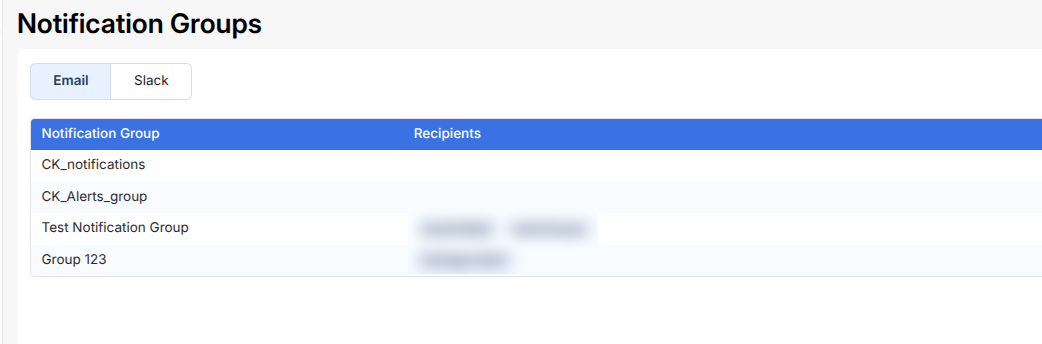
Email
- Displays configured notification groups
- Each group contains one or more recipients
- Used for sending alerts and reports via email
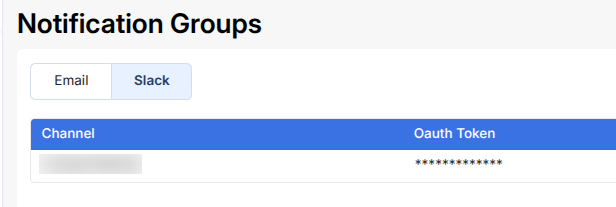
Slack
- Displays configured Slack channels
- Each entry includes a channel ID and associated configuration
- Used for sending alerts directly to Slack
Group Details
Each notification group provides:
- Group Name / Channel
- Recipients (for email groups)
- Channel Configuration (for Slack)
These groups are used across the platform to ensure the right people receive updates.