Custom Reports
Create and access saved cost reports for quick, repeatable analysis across your cloud environment.
Viewing Reports
Saved reports are displayed as cards with key details such as name, tag, and last activity.
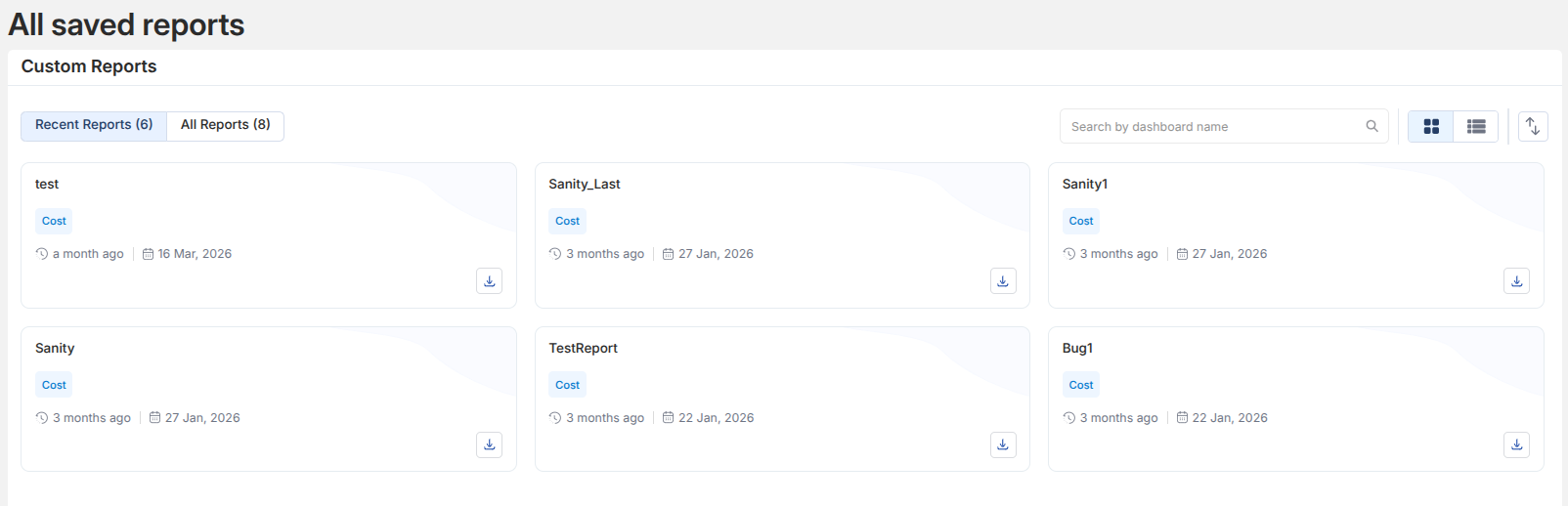
- Use Recent Reports to quickly access frequently used reports
- Switch to All Reports to browse the complete list
- Search reports using the search bar
Opening a Report
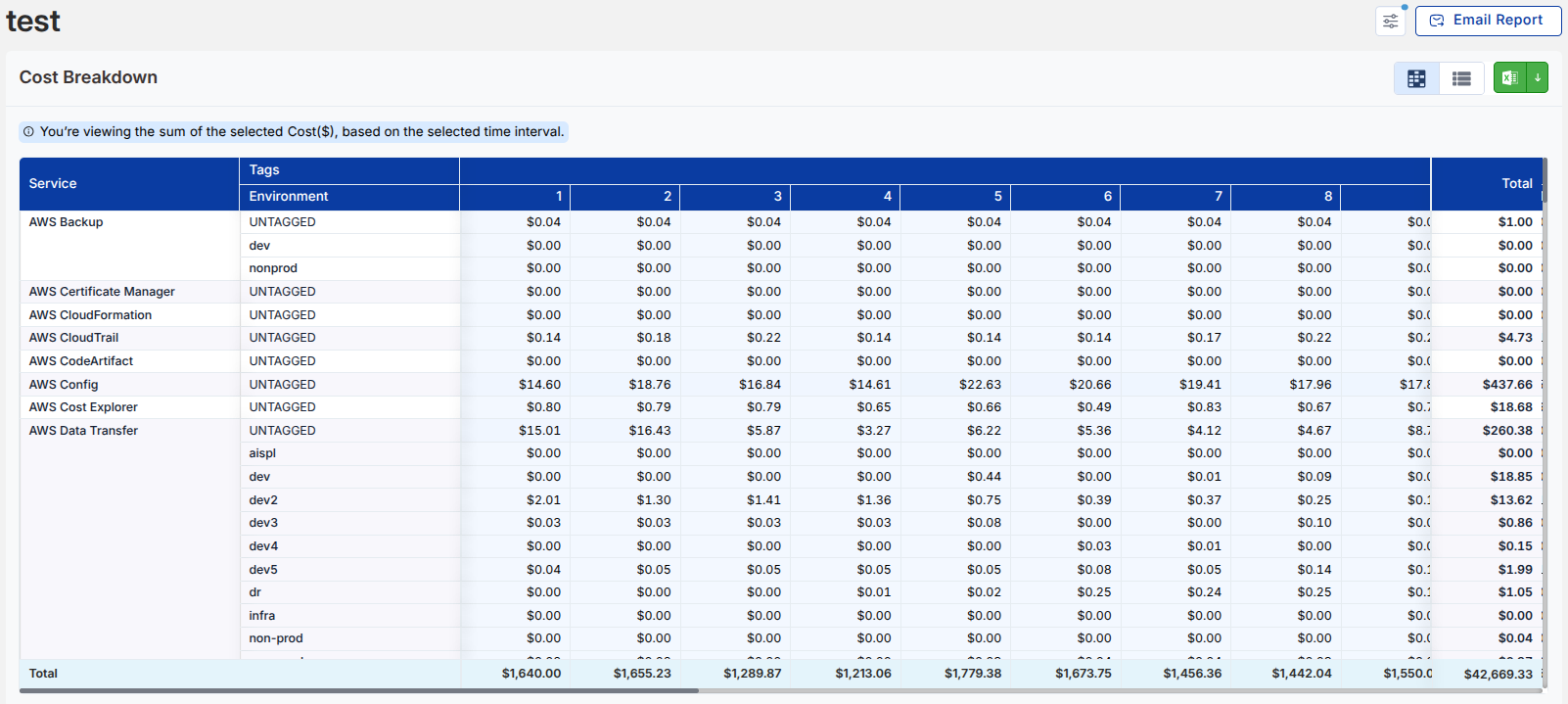
Selecting a report opens a detailed cost breakdown view, showing service-wise spend across the selected time range.
Refining Your View
Use filters to adjust how data is displayed:
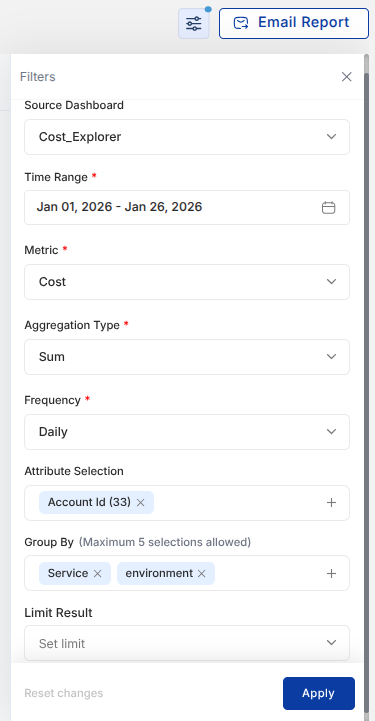
- Select time range, metric, and frequency
- Apply grouping (e.g., service, environment)
- Customize attributes for deeper analysis
Actions
Once a report is configured:
- Email Report: Share insights directly with recipients
- Download: Export report data in
.xlsxformat - Switch between available data views for better interpretation