Notification Group
Notification Groups help organize recipients for alerts, enabling structured communication across email and Slack channels. They can be configured across two channels:
Email
Displays groups with associated recipients who receive notifications via email.
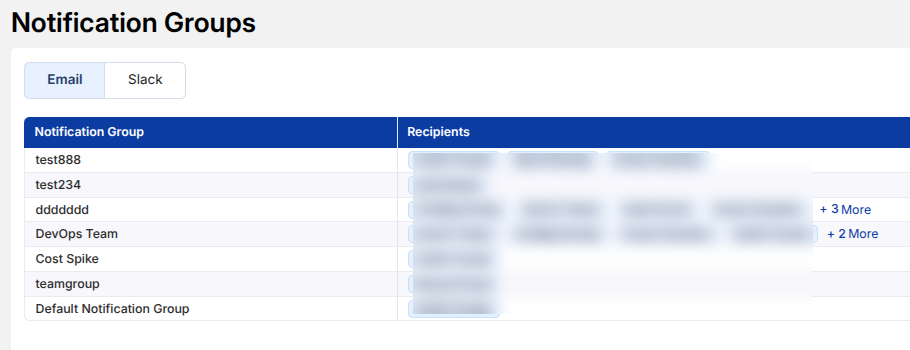
- Each group contains a list of recipients
- Used for sending alerts such as budget notifications or cost updates
- Supports multiple recipients per group
Slack
Displays configured Slack channels used for sending notifications.
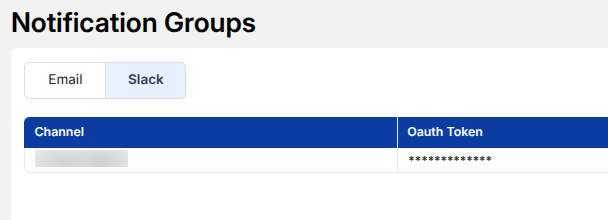
- Shows connected Slack channels
- Uses secure tokens for integration
- Enables team-wide alerting in shared channels
How It Works
- Create groups based on teams, use cases, or alert types
- Assign relevant recipients or channels
- Use these groups when configuring alerts (e.g., Budget Alerts)