Password Management
The Password Management page allows users to change their password for secure access to their account. This section is essential for maintaining account security, ensuring that users can manage and update their login credentials when necessary.
Change Password
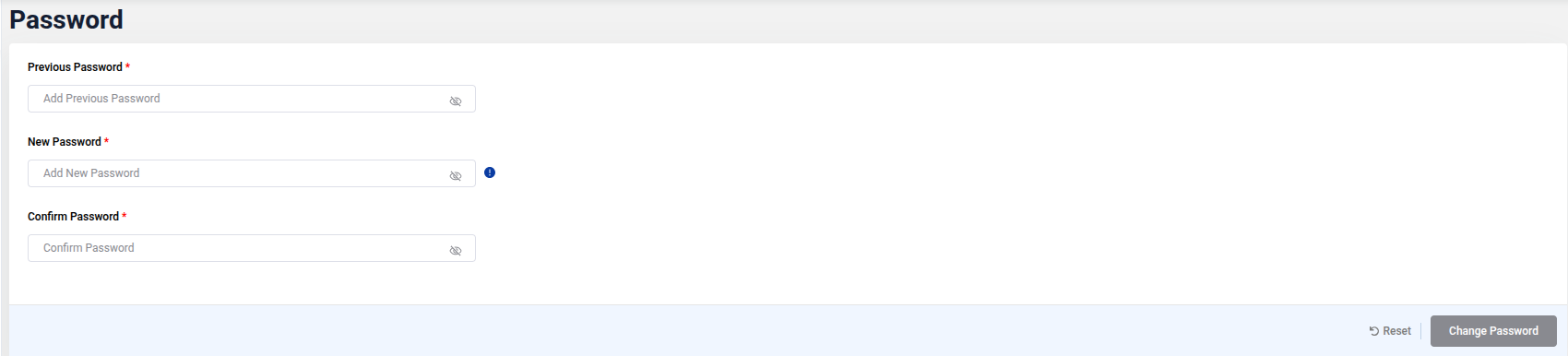
To change your password, enter your Previous Password, then provide a New Password and confirm it by re-entering in the Confirm Password field. Make sure the new password meets security requirements to enhance your account's protection.
Example
Below is an example of the Password Management page, where users can enter their old and new passwords to securely update their credentials.